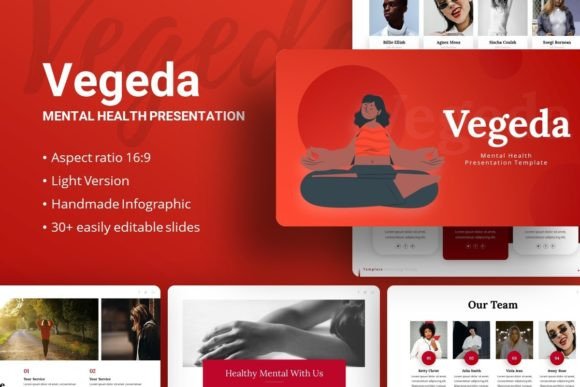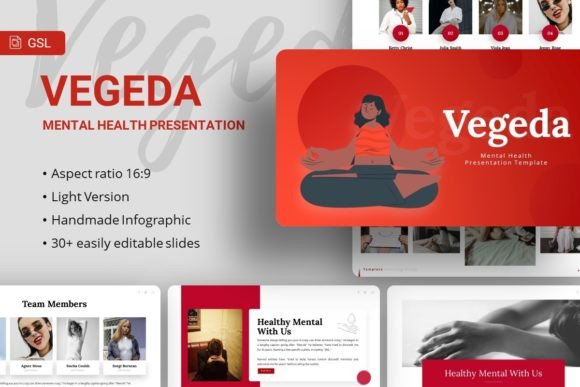
Introducing Vegeda: A Google Slides Template for Modern Presentations
In today's fast-paced world, where communication is visual and ideas need to stand out, a presentation can be a powerful tool. Yet, the process of designing one from scratch often consumes valuable time and creative energy. This is where purpose-built templates come into play, offering a structured yet flexible foundation. One such option gaining attention is the Google Slides template known as Google Slides - Vegeda. This collection is not just another set of slides; it's a comprehensive system designed to adapt to a wide array of storytelling and professional needs.
What Exactly is the Vegeda Template?
The Google Slides - Vegeda template is a pre-designed presentation framework available for use within Google Slides. Its core philosophy is to provide users with a professional, visually cohesive starting point, eliminating the blank-page hurdle. It comprises 35 unique slides for each variation, including a dedicated edition focused on mental health themes. Every element, from the layout to the infographics, is crafted to be easily modified. This means you can maintain a polished aesthetic while injecting your specific content, data, and brand personality. It's a bridge between generic design and custom creation.
The Core Features and Practical Flexibility
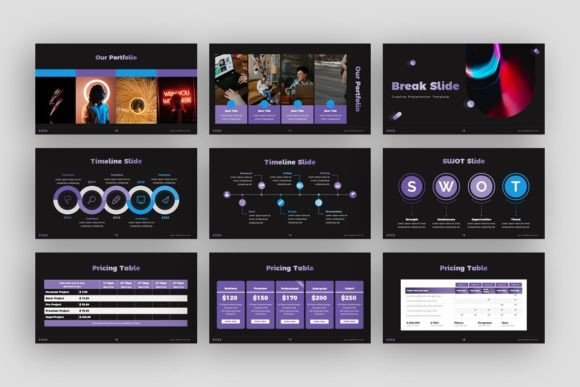
Understanding the included features helps gauge its practical value. The template offers a substantial slide count, which provides variety without forcing repetition. The handcrafted infographics are a standout element. These are not static images but editable PowerPoint-based objects within the Google Slides environment, allowing you to tweak charts, diagrams, and data visualizations to match your information.
All graphic elements are resizable and editable, and the template utilizes picture placeholders with drag-and-drop functionality, streamlining the process of adding your own photography. The design is built on a master slide foundation, ensuring consistency across your entire presentation. Furthermore, it comes with supporting documentation and vector icons to aid customization. Fonts like Lato and Noto Sans are recommended, promoting clean, modern typography.
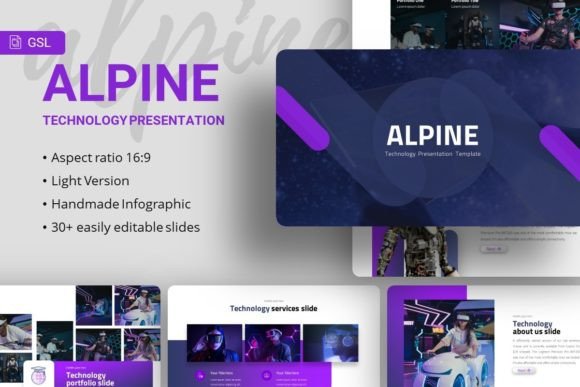
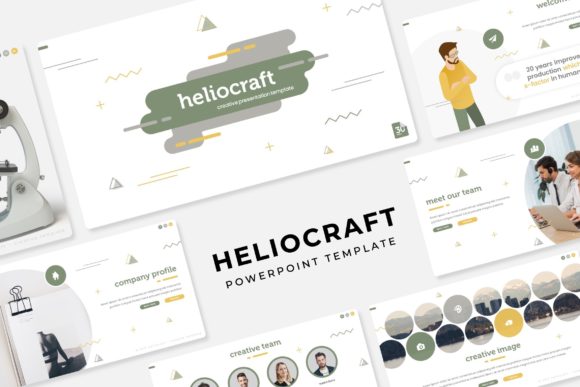
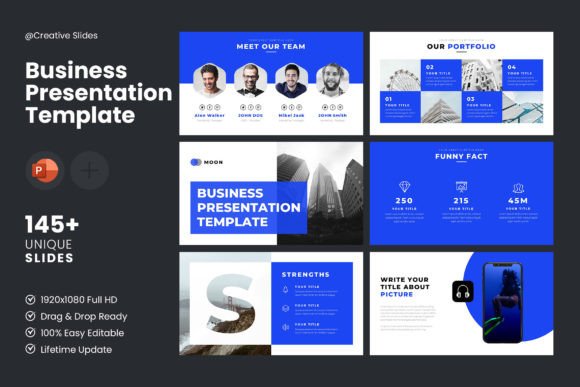
A crucial note for users: the stunning demo images are for preview only and illustrate potential use. The actual files include the structure and graphics, but you source your own images from libraries like Unsplash, Pixabay, or Pexels. This is both a limitation and an opportunity—it requires you to add personal or project-specific visuals, but it also prevents generic, filler imagery and pushes you toward more authentic content.
The Versatile World of Applications: Where Can Vegeda Be Used?
The stated versatility of Google Slides - Vegeda is significant. Its design language is neutral and professional enough to suit numerous contexts. A creative agency might use it for a client pitch deck or a brand identity reveal. A startup could leverage its infographics for a compelling investor presentation. For an individual, it serves as a sophisticated portfolio template for a photographer, designer, or freelancer showcasing their work.
The dedicated Introducing Vegeda MentalHealth Google Slides Template opens another important avenue. This variant can be invaluable for coaches, wellness professionals, educational institutions, or corporate HR departments creating content around wellbeing, psychology, support programs, or educational seminars. The template provides a visually appropriate and sensitive framework for discussing these topics.
- Company Profiles & Corporate Reports: Convey annual results, strategy, or internal communications.
- Portfolio & Pitch Decks: Present work samples, business ideas, or service offerings to clients or investors.
- Educational & Workshop Materials: Structure training sessions, lectures, or community presentations.
- Personal Branding: Craft a standout personal website presentation or career narrative.
Who Stands to Benefit from This Template?
The potential user base for Google Slides - Vegeda is broad. It particularly benefits those who value design but lack extensive time or graphic design expertise.
- Business Owners and Entrepreneurs: They can produce professional presentations quickly, focusing on content rather than design logistics.
- Professionals and Consultants: Individuals in marketing, finance, or coaching who regularly need to present findings or proposals.
- Educators and Trainers: Those who require clear, organized slides for teaching complex information or soft skills.
- Creators and Artists: Photographers, writers, and designers seeking an elegant way to present their portfolios online or in person.
- General Consumers and Online Users: Anyone tasked with creating a presentation for a community group, personal project, or special event.
Evaluating Its Suitability for Your Project
While Google Slides - Vegeda offers clear advantages, its suitability depends on your specific needs. Consider these points. Its strength lies in its structured flexibility and modern aesthetic. If your goal is to create a visually consistent presentation rapidly, it's a strong candidate. The editable infographics are a major plus for data-driven presentations.
However, consider if the design tone aligns with your brand's extreme uniqueness or if you require highly specialized, animated interactions beyond static slides. Also, remember you must supply your own images. If you have a library of photos or are comfortable sourcing from free stock sites, this is fine. If you need all-inclusive assets, this requires extra work. Furthermore, while customizable, it operates within the constraints of Google Slides' toolset; advanced graphic manipulation might be limited compared to dedicated software.
Real-World Scenarios and Practical Expectations
Imagine a small tech startup preparing for its first major investor meeting. Using the Google Slides - Vegeda template, the founder selects a clean title slide, uses the financial infographic slides to map out revenue projections, employs the team structure slides to introduce key personnel, and drags-drop product photos into the picture placeholders. The process saves days of design work, and the result feels polished and credible.
In another scenario, a mental health advocate organizing a community workshop uses the mental health variant. They adapt the timeline infographic to show the history of wellness practices, use the quote slides to highlight inspiring messages, and insert calming nature images from Unsplash into the placeholder sections. The template provides a respectful and engaging visual framework that supports the sensitive topic.
Practically, you should expect to spend time learning the template structure via the documentation, replacing placeholder text with your content, sourcing or inserting your images, and potentially adjusting color schemes to better match your palette. The outcome is not an automated presentation but a highly professional, customized one built on a robust foundation.
Final Thoughts on Value and Utility
The Google Slides - Vegeda template suite represents a practical solution in the digital toolkit of many presenters. Its value is not in being a finished product but in being an intelligent starting point. It balances pre-designed professionalism with the necessity for personalization. By providing a wide slide variety, editable graphics, and a clean modern base, it empowers users to focus on their message—the core of any good presentation.
Whether you are a business professional conveying a company profile, a creator unveiling a portfolio, or an educator discussing important topics like mental health, this template can reduce technical friction and elevate your visual communication. The key is to approach it as a flexible partner in your process, one that requires your content and vision to complete its purpose. In doing so, you harness its design expertise to more effectively share your own.